YOUR PLAYLIST. YOUR WORLD.

Your content.
Your screen.

The thrill of live TV. The pull of one more episode. Bring everything you love into a viewing experience that feels like yours.

Add your own M3U or Xtream Codes playlist. Let TVy do the rest.

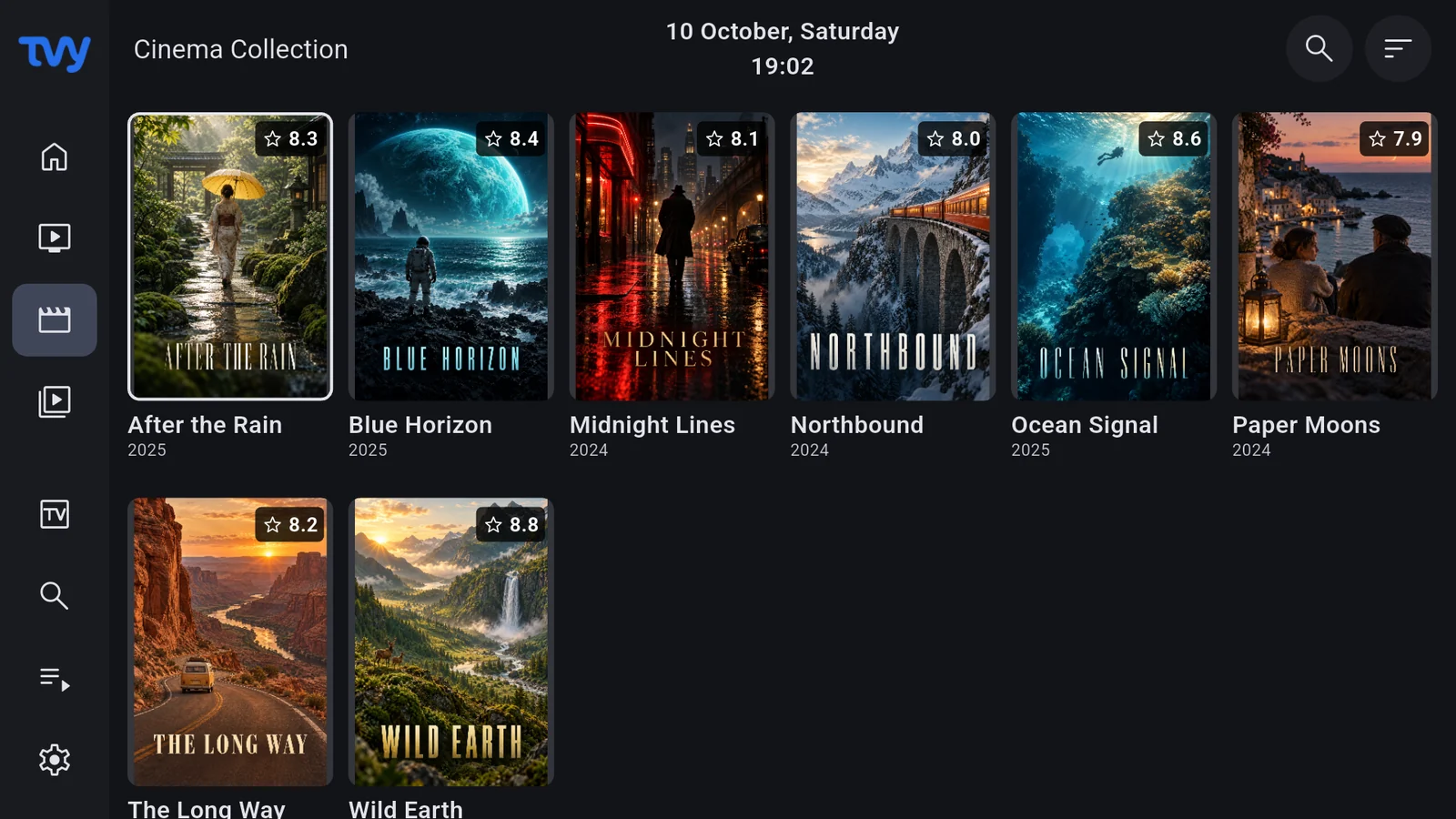
Movies — Android TV
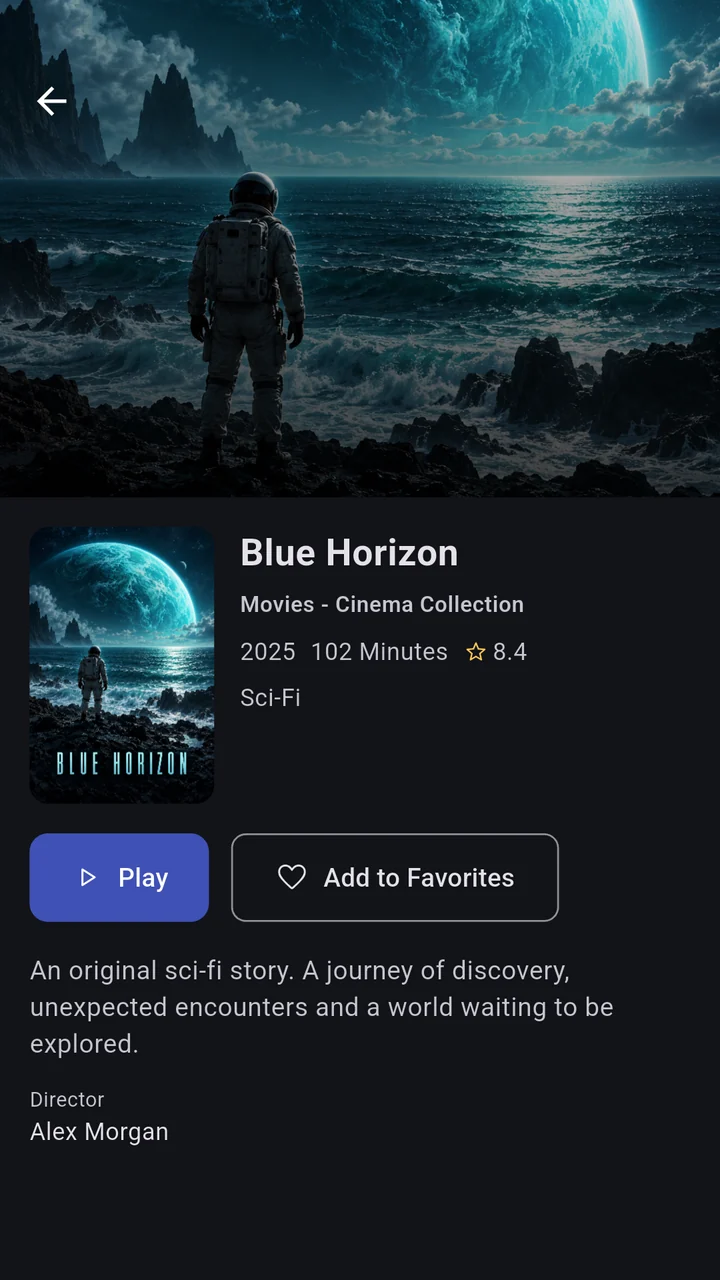
Details — Phone
Pick up where you left offOn your favorite device.
Right at home on the big screen.
M3U & Xtream CodesLive TV & TV guideMovies & seriesPhone, tablet & Android TV

TAKE A CLOSER LOOK

One screen. So many possibilities.

Your playlists can feel like more than a list. Explore real TVy screens and find your kind of viewing experience.

TVy01 — 05
01

Find your next favorite.

Rediscover your own collection through posters, categories and rich movie information.

Content shown is illustrative. TVy does not provide channels, movies or subscriptions.

MAKE WATCHING FEEL BETTER

A great player.
An even better experience.

Keep your content. Change the way you experience it. From discovering something new to pressing play, you’re in control.

01 / DISCOVER

Your collection.
A fresh perspective.

Dedicated spaces for live TV, movies and series. Search, favorites and continue watching keep the things you love close at hand.

  • Rich movie details
  • Seasons & episodes
  • Favorites & history
EXAMPLE COLLECTIONAfter the RainBlue HorizonNorthbound
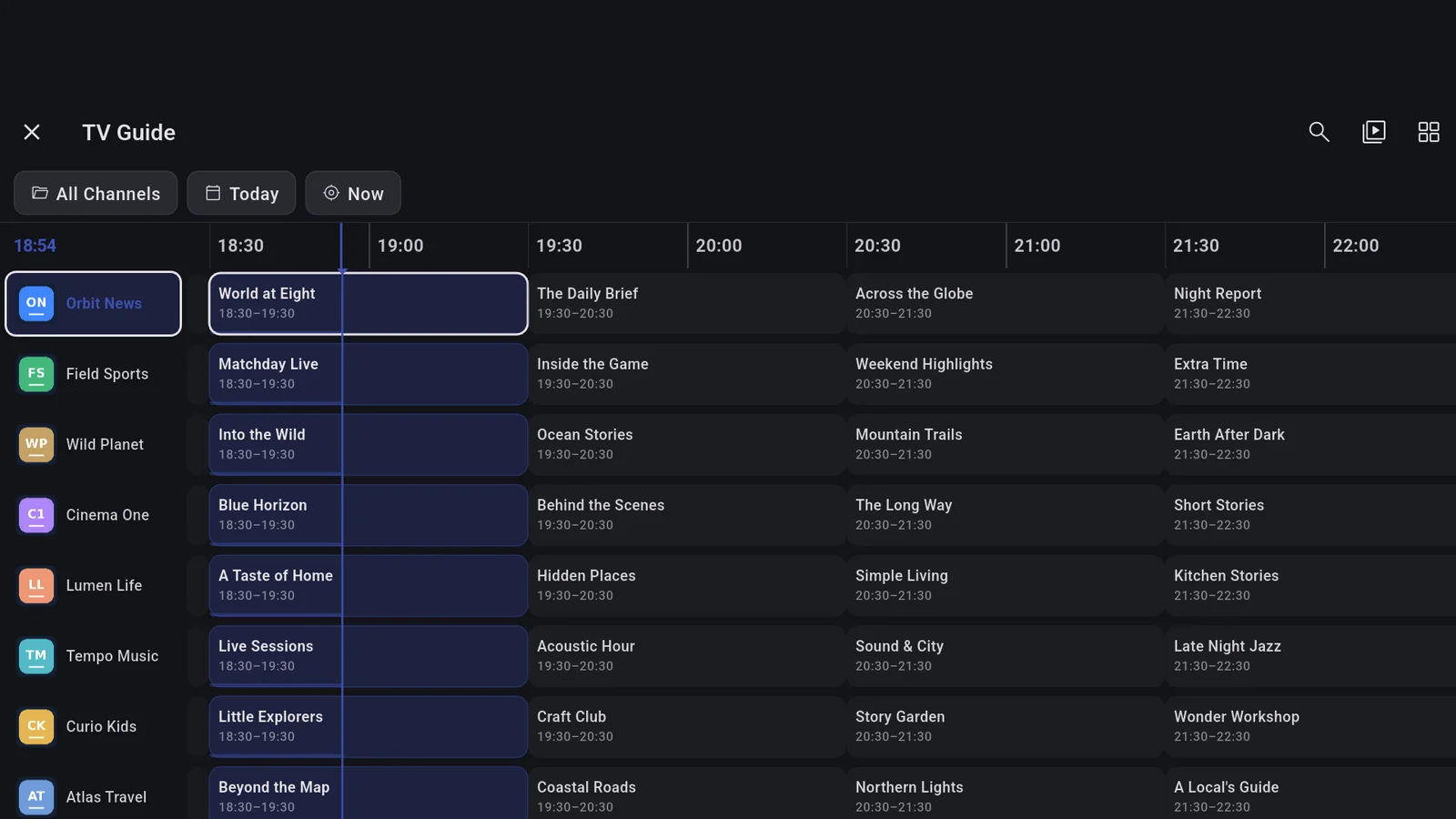
TV guide — Tablet

02 / PLAN

Less time searching.
More time watching.

Explore the schedule in your TV guide. Set program reminders and revisit past broadcasts when your provider supports catch-up.

  • Program schedules
  • Program reminders
  • Catch-up support

TV guide and catch-up availability depend on the data and features supplied by your content provider.

MAKE YOURSELF COMFORTABLE

A bigger screen.
A better seat.

Remote-friendly navigation, clear focus and a collection that’s easy to explore from the couch. On Android TV, TVy feels right at home.

Get TVy for Android TV
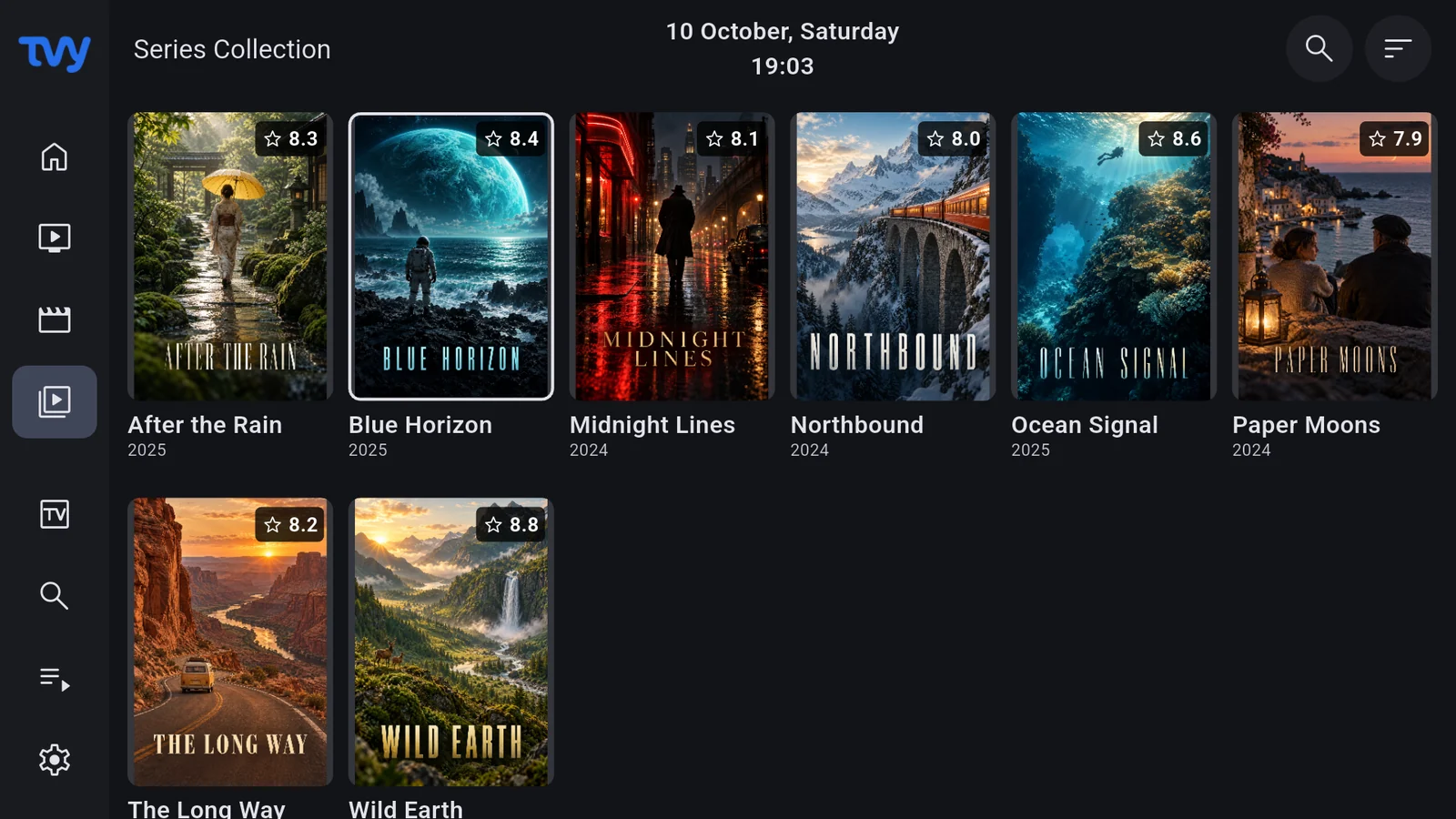
Series — Android TV
Easy remote navigationMade for your TV

WATCH YOUR WAY

Live TV, on your terms.

TimeshiftPremium

Pause. Rewind. Keep watching.

Pause, rewind and resume compatible live sources with a rolling local buffer. Requires supported unencrypted MPEG-TS/HLS sources.

Local live timeshift

Catch-upPremium

Yesterday’s programme. Today’s choice.

Revisit past programmes when your provider offers catch-up and includes the required programme and stream data.

Provider catch-up

DVRPremium

Your recording. Your device.

Record compatible live sources locally while respecting provider connection limits and available storage. Not an offline movie-download feature.

Manual recording

MultiviewPremium

Four channels. One screen.

Follow multiple live streams together. Two/four-view availability depends on decoder capacity, memory and provider connection limits.

Two or four views

Multiview, recording and timeshift depend on device capacity, source compatibility, provider limits and your access within the app.

EASY TO GET STARTED

Three steps.
A world that’s yours.

A better player for your content. No content subscription included.

  1. 01

    Get TVy

    Install from the store on your Android phone, tablet or Android TV device.

  2. 02

    Bring your own playlist

    Add the M3U URL or Xtream Codes credentials you’re authorized to use, inside the app.

  3. 03

    Explore and press play

    Open your collection, save your favorites and connect a TV guide source if available.

YOUR NEXT SCREEN

Take TVy with you.

Choose your device. Experience your own collection, your own way.

iPhone & iPad

App Store release in preparation

Coming soon

Windows

The desktop experience

Coming soon

Linux

The desktop experience

Coming soon

In-app purchases may be available. Check the store listing for the latest version, pricing and device compatibility.
The iOS download link will become available when TVy is published on the App Store.

GOOD QUESTIONS

Let’s get to know each other.

Help center
What is TVy?

TVy is an IPTV and media player for organizing and playing your own media sources. It brings live channels, movies and series together in a convenient interface.

Does TVy include channels or a movie subscription?

No. TVy does not provide channels, movies, series, broadcast packages or IPTV subscriptions. You need to add your own sources that you are authorized to access. Screenshot content is illustrative.

Which playlist types can I use?

M3U URLs and Xtream Codes profiles are supported. You can also add a separate XMLTV/EPG URL for the program guide if your provider supplies one.

Can I use TVy on my television?

Android TV and Google TV devices can use the TV interface. Check store compatibility for other televisions. Casting is also available on supported mobile devices and networks.

Do I need an account on this website?

No. There is no sign-in or registration on this website. You can learn about TVy and go straight to the store. Account features are managed within the TVy app.

When are Windows and Linux downloads coming?

Public Windows and Linux download pages are not ready yet. They will appear here once available. We’re not announcing a release date at this time.

What if a stream won’t play?

First check your source credentials, internet connection and provider subscription. Some sources limit simultaneous connections. Follow the steps in our help center or get in touch with support.

Where can I learn about Premium?

Current premium features and purchase options are shown inside the app and in the relevant store. Premium provides app features; it is not a content subscription.

Need a hand?

From getting started to pressing play, let’s help you find your next step.

Visit the help center
Movies
Movies

Content shown is illustrative. TVy does not provide channels, movies or subscriptions.